ALEXIS RAMOS Back to Gallery
01

King Air C-90 — VR Aircraft Training

Hard Surface
King Air C90 – VR Aircraft Training Experience | Xennial
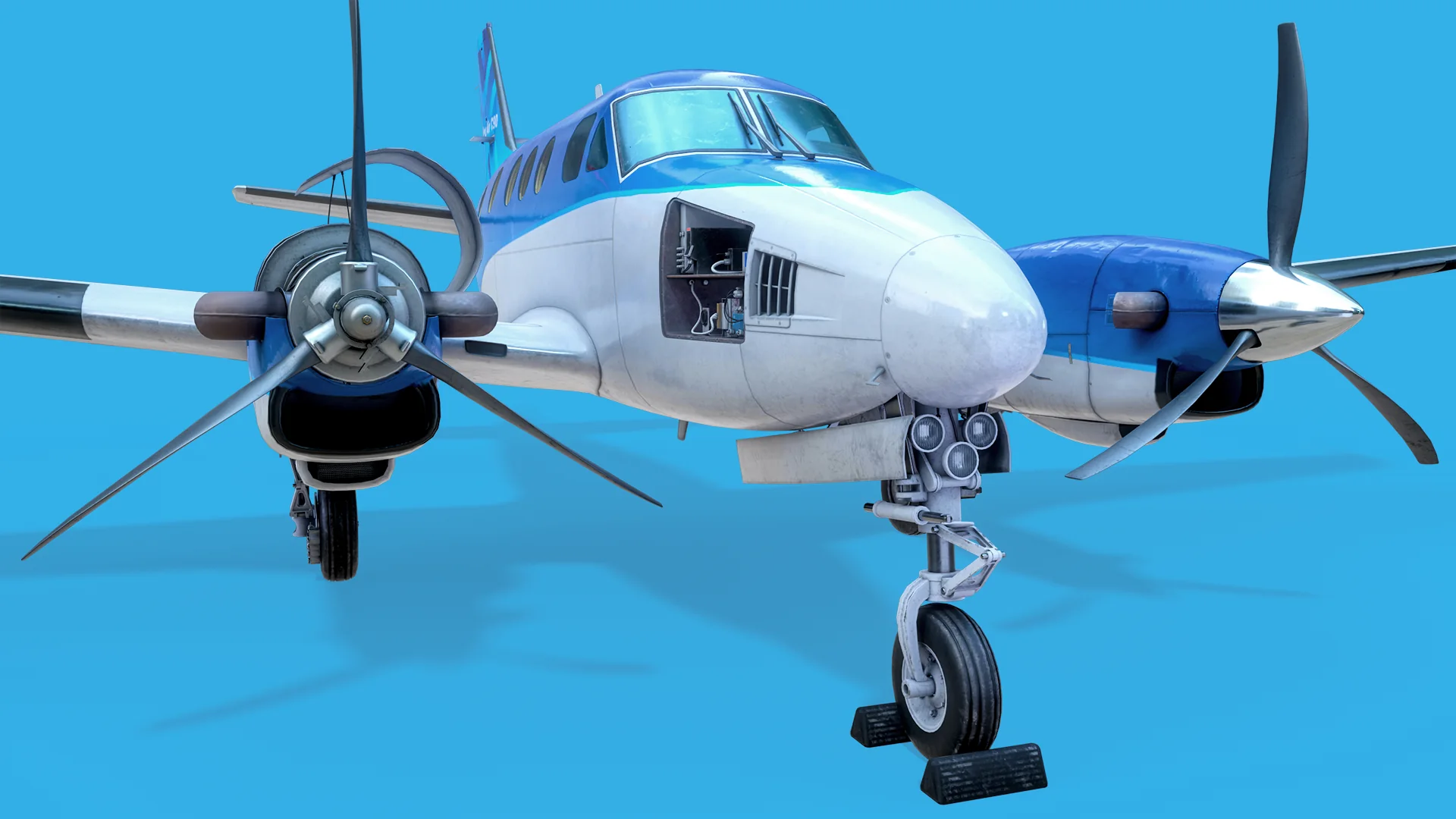
Three-quarter front view of the King Air C90 with the nose avionics bay open, nose gear extended and both PT6 propellers visible.
The King Air C90 was built at Xennial as the airframe for a VR familiarisation trainer — a Unity application where a technician can walk around the aircraft at full scale and inspect its systems. I spent just over five months on it as the 3D artist responsible for the entire exterior: fuselage, wings, PT6 engines and propellers, landing gear, brake system, air conditioning and the ELT installation. Everything below was modelled and unwrapped in Maya, textured in Substance Painter, and rendered in Marmoset Toolbag.Project developed for Xennial. Shared with permission for professional portfolio use. All rights reserved to Xennial.
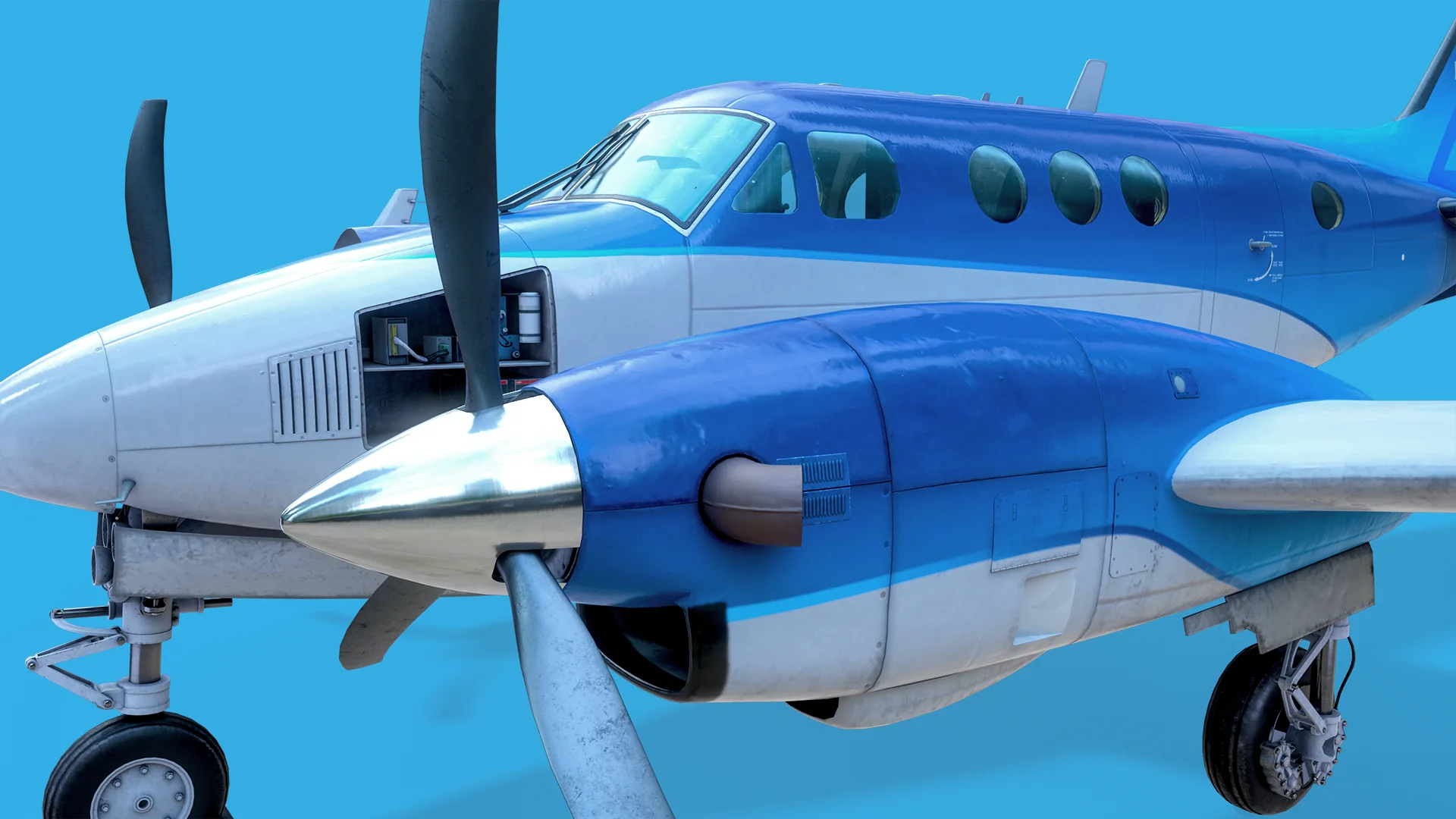
Close-up of the right engine nacelle, spinner and propeller, with the cockpit windows and cabin behind.
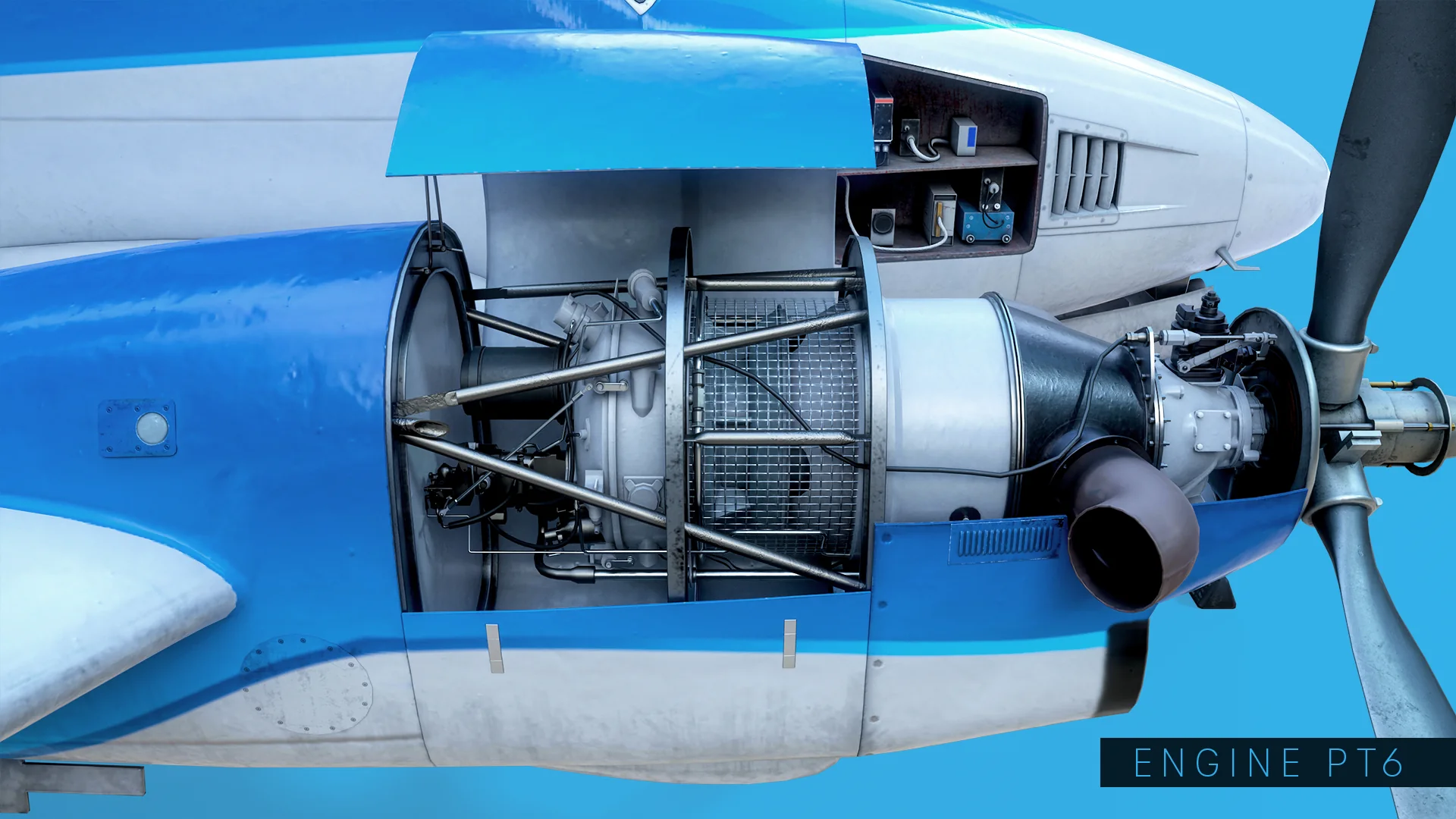
Side view of the PT6 turboprop with the cowling open, showing the compressor housing, exhaust stack and accessory section.
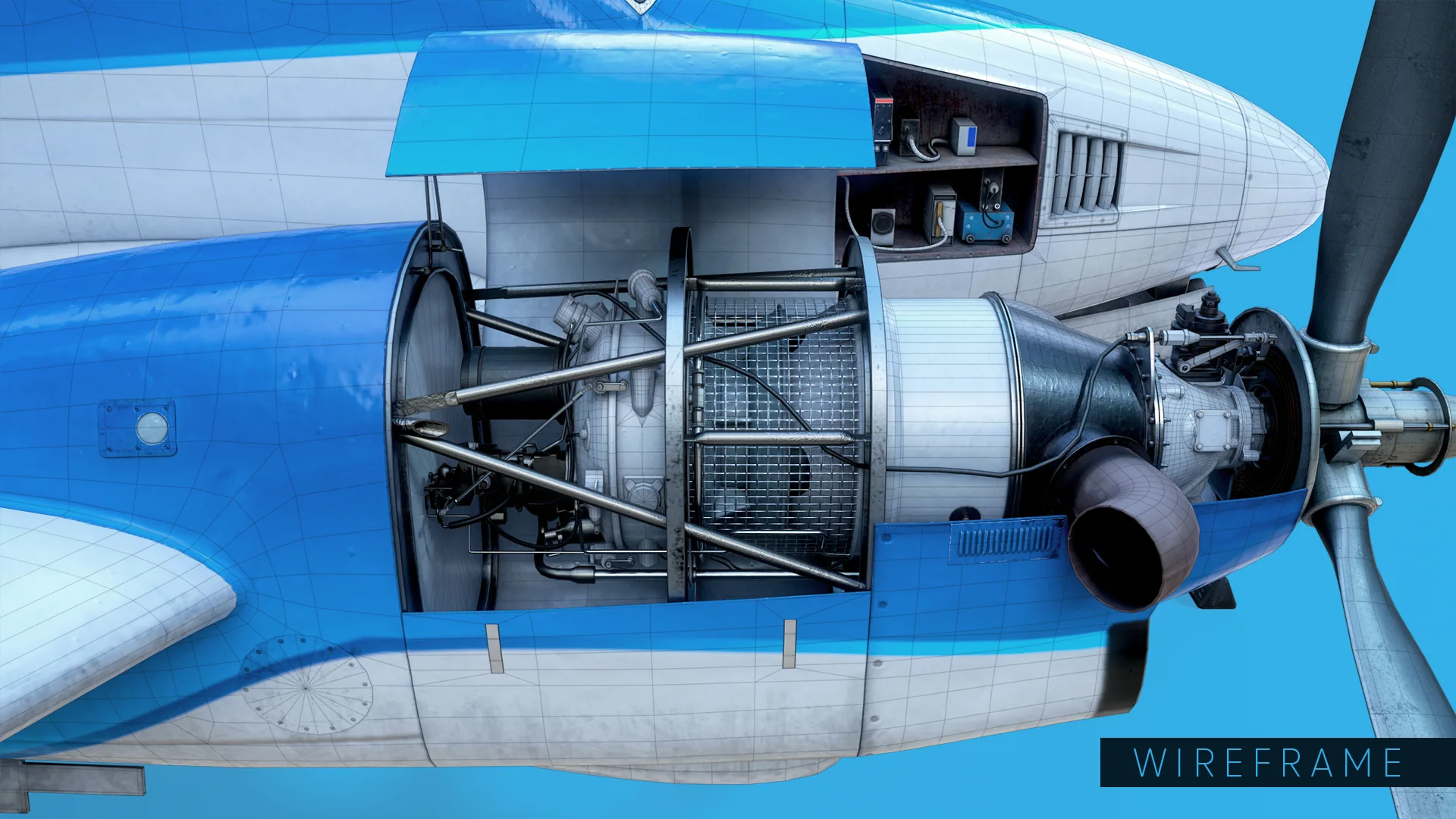
The PT6 is modelled to be seen with the cowling open, so the inside had to hold up: governor, compressor housing, exhaust stacks, the accessory section and the wiring that runs across the firewall. It is the densest single assembly on the aircraft — heavy where the silhouette curves, light on the flat cowl panels, which carry their rivets and seams in the normal map instead of in geometry.
The open PT6 engine bay with the wireframe overlaid.
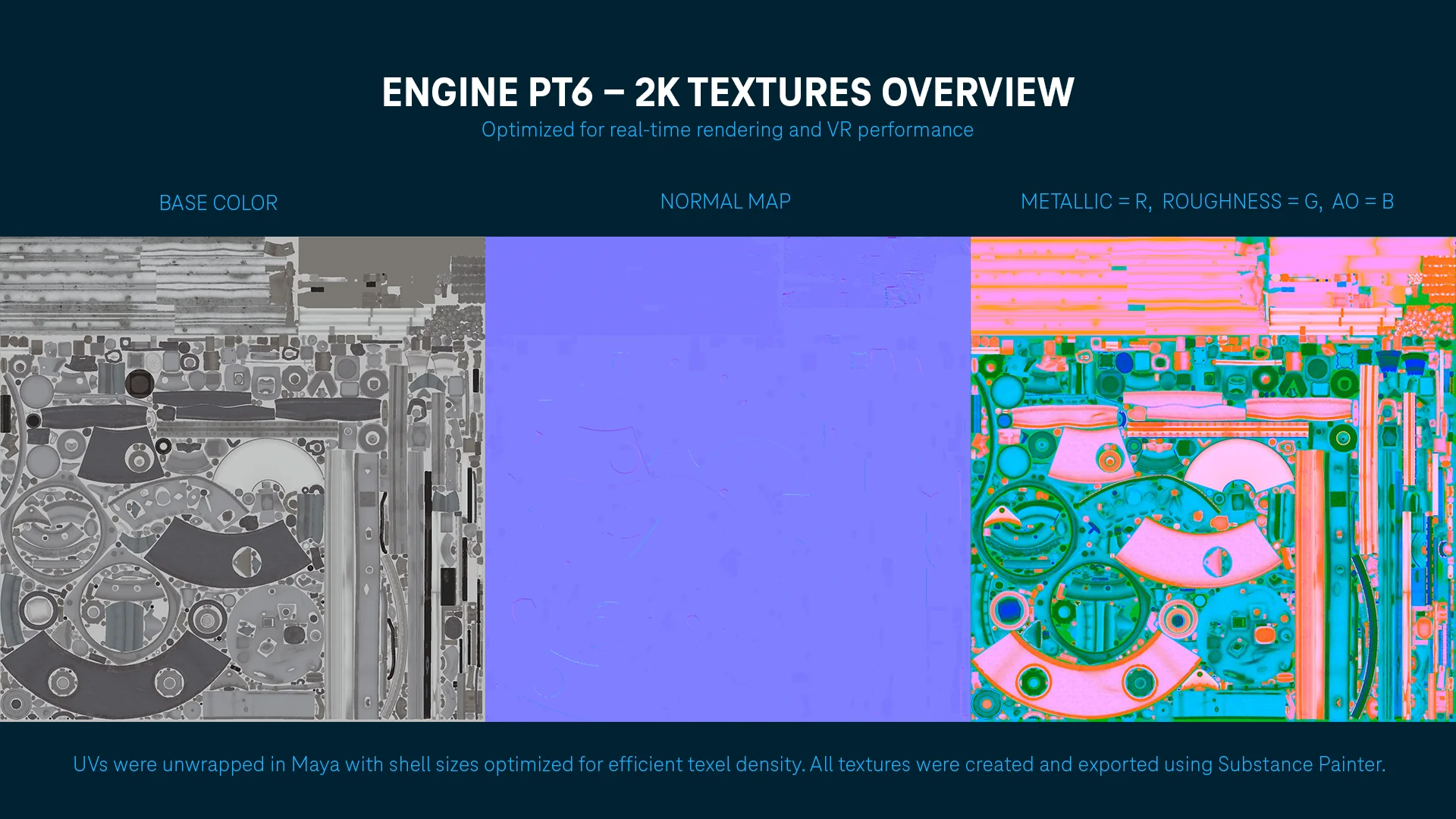
Texture sheet for the PT6 engine: base colour, normal map, and a packed map with metallic in red, roughness in green and ambient occlusion in blue.
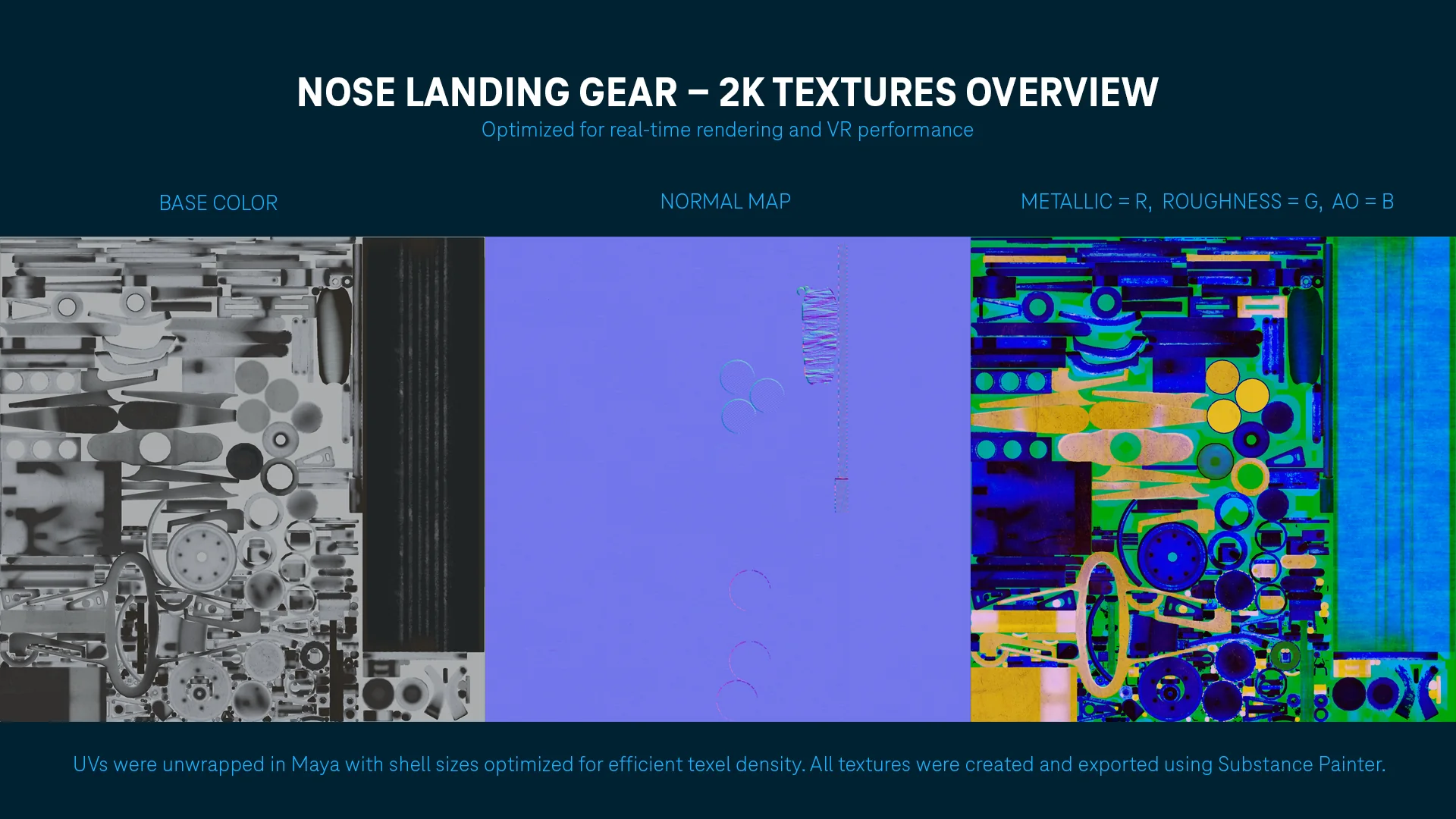
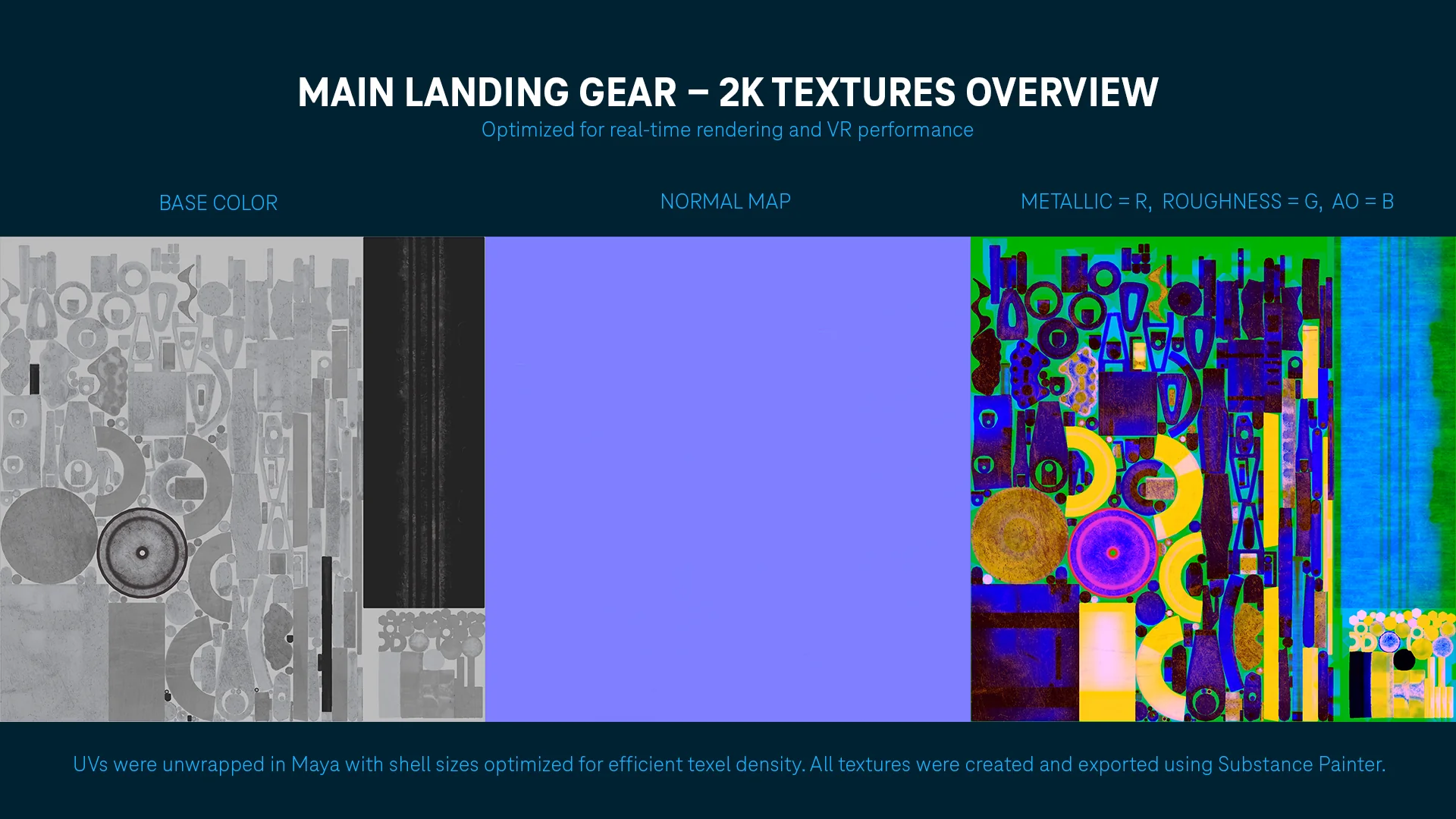
Every assembly on the aircraft follows the same texture recipe: base colour, normal, and one packed map carrying metallic in red, roughness in green and ambient occlusion in blue. Folding three channels into a single texture cuts the sampler count in the shader, which is where the performance is actually won in VR. UVs were unwrapped in Maya with shell sizes tuned so that a rivet on the cowl and a rivet on a wheel hub read at the same texel density.
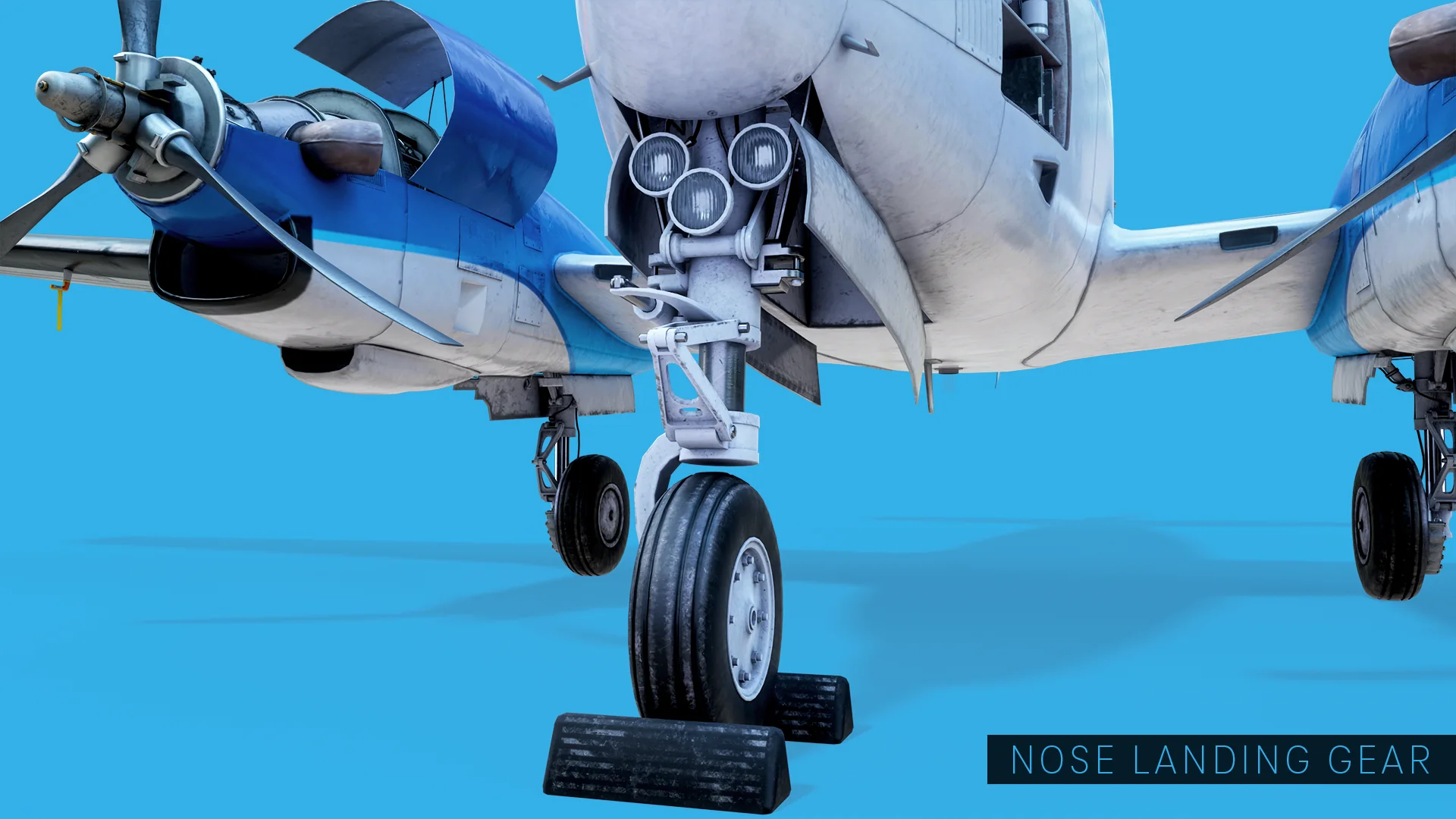
Nose landing gear extended, with the taxi and landing light cluster in the wheel well above it.
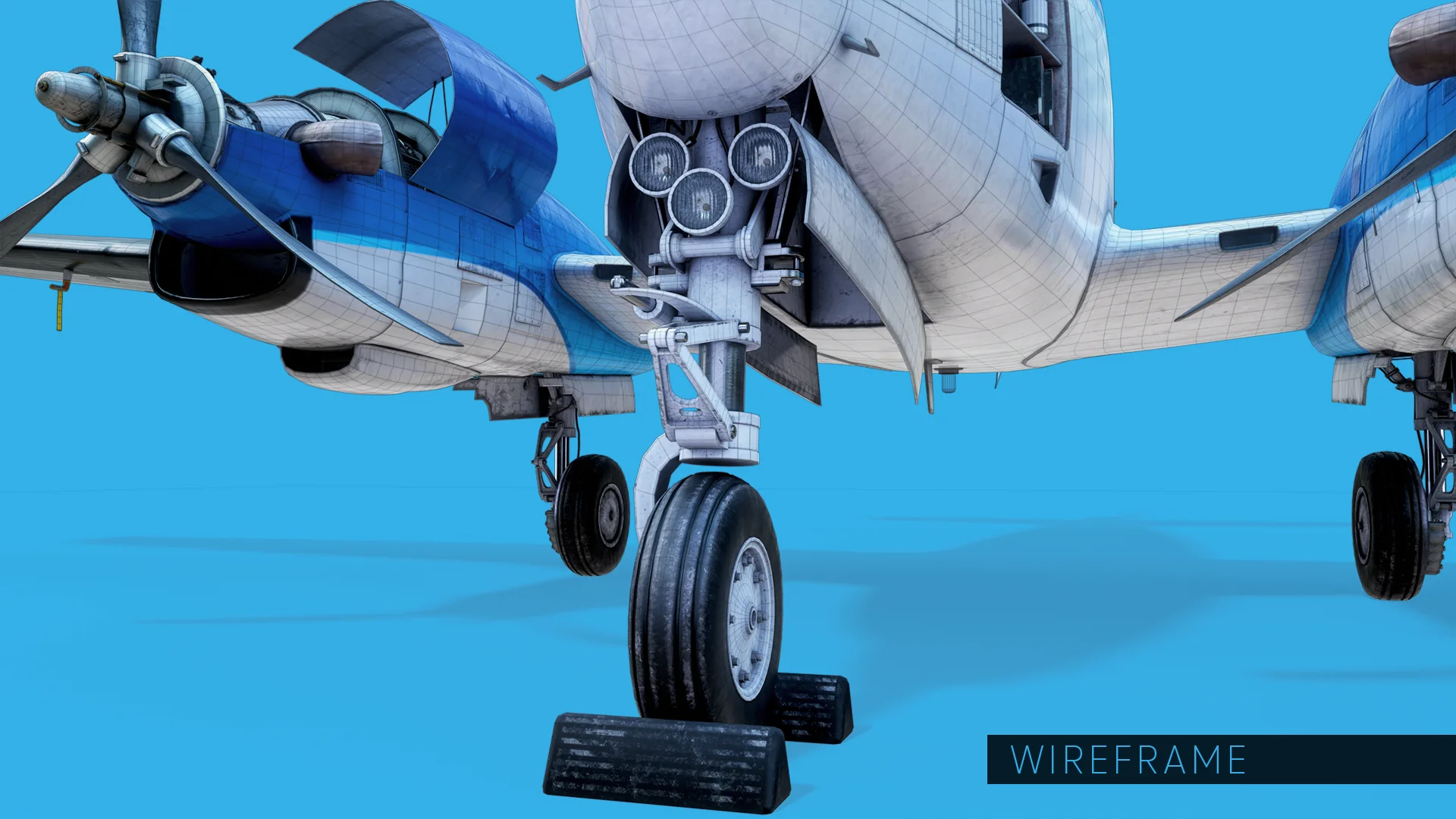
The nose gear was built as a kit of parts rather than one shape: uplocks, wheel, barrel, gear body, wheel well, link doors, hydraulic lines and the taxi light cluster are each separate and separately named. That structure comes straight from how the model gets used — anything the course can point at has to be its own selectable mesh.
The nose landing gear with the wireframe overlaid.
Texture sheet for the nose landing gear: base colour, normal map and packed metallic, roughness and ambient occlusion.
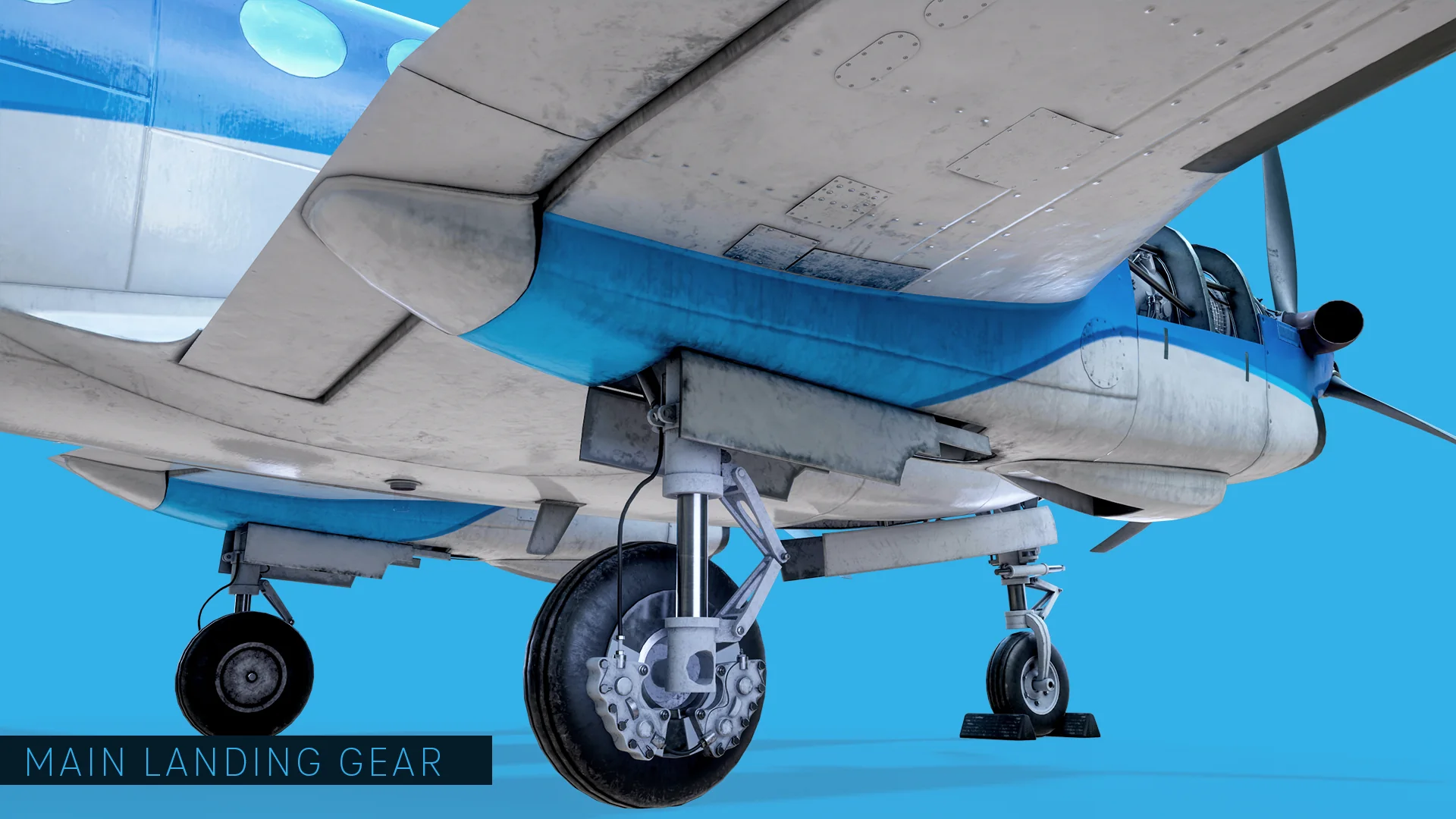
Main landing gear seen from below the wing, showing the brake assembly, torque arms and open gear bay.
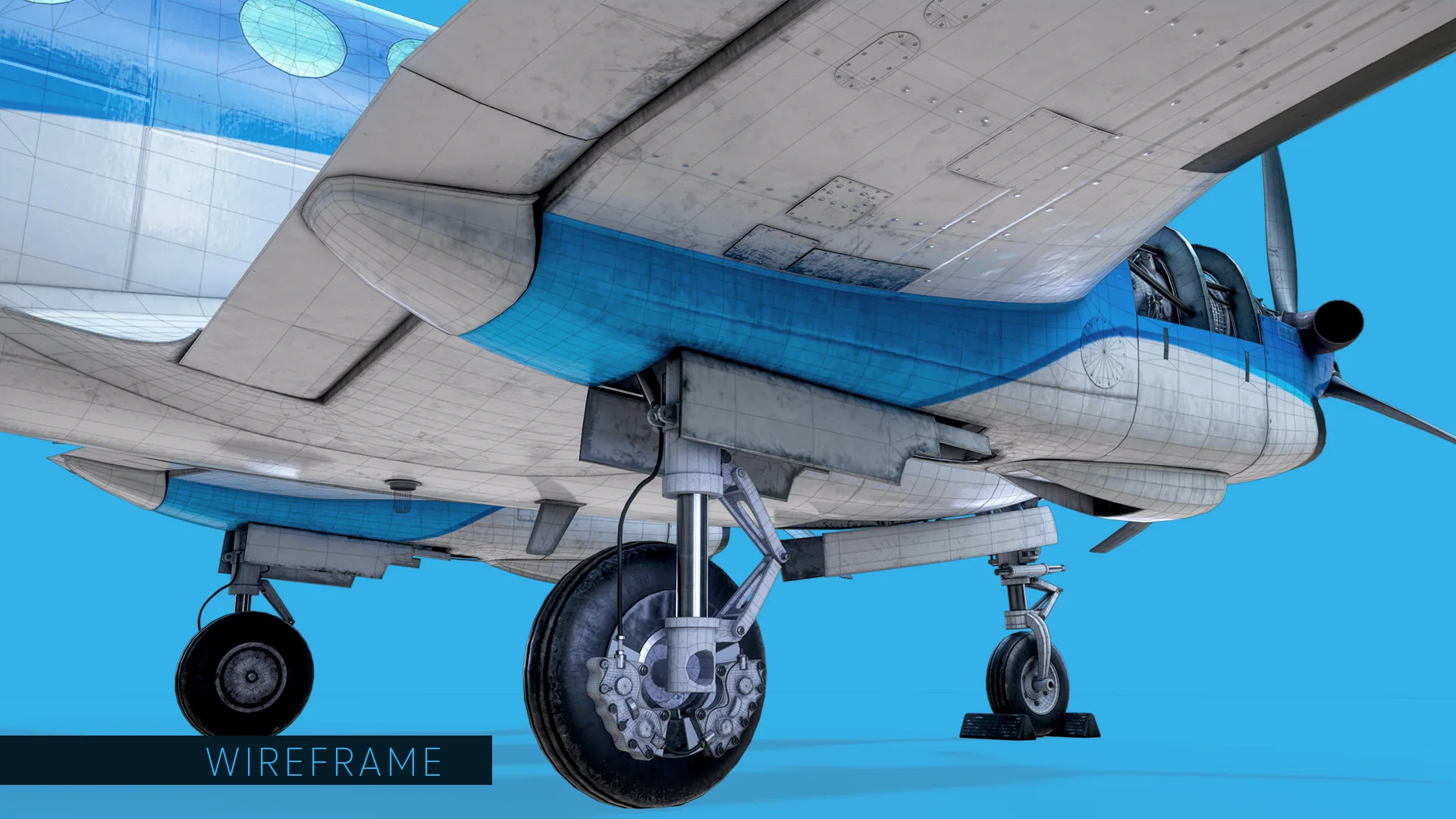
Same approach on the main gear, with the brake assembly getting the most attention: wheels, torque arms, side braces, hydraulic lines and brake pads are each modelled and named on their own. The gear bay behind them is built out rather than capped, because in VR there is no viewing angle you get to rule out in advance.
The main landing gear and wing underside with the wireframe overlaid.
Texture sheet for the main landing gear: base colour, normal map and packed metallic, roughness and ambient occlusion.
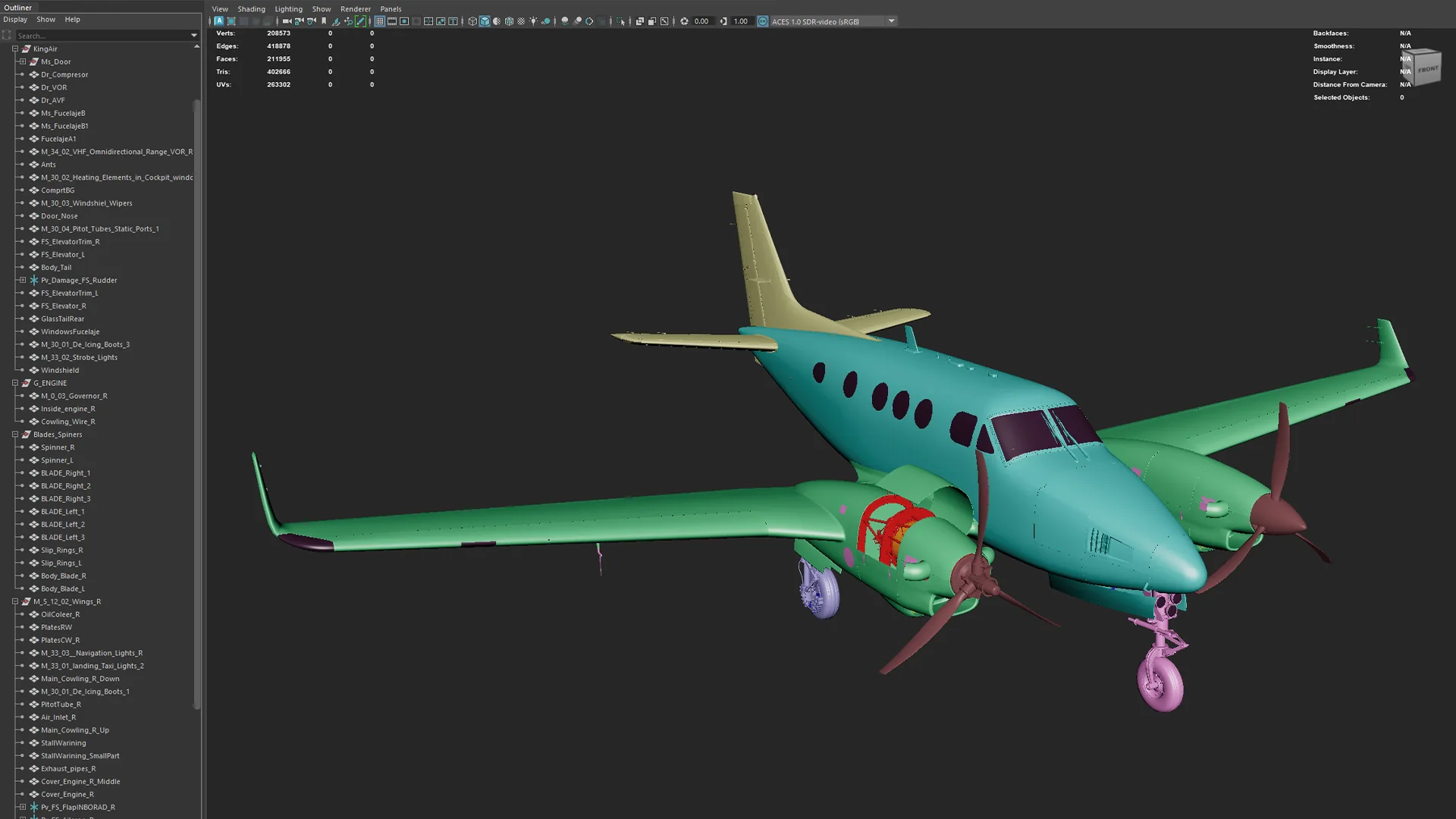
Maya viewport showing the King Air outliner with named components and a heads-up display reading 208,573 verts, 211,955 faces and 402,666 tris.
The finished aircraft lands at 402,666 triangles across 15 2K UV sets. That number is the point of the project rather than a footnote — the model had to hold frame rate on a standalone headset while a trainee is free to put their face two centimetres from a brake caliper. The outliner discipline matters just as much: parts are named against ATA chapter numbers (30 for ice and rain protection, 33 for lights, 34 for navigation), so interactions could be wired without anyone having to ask which mesh was which.
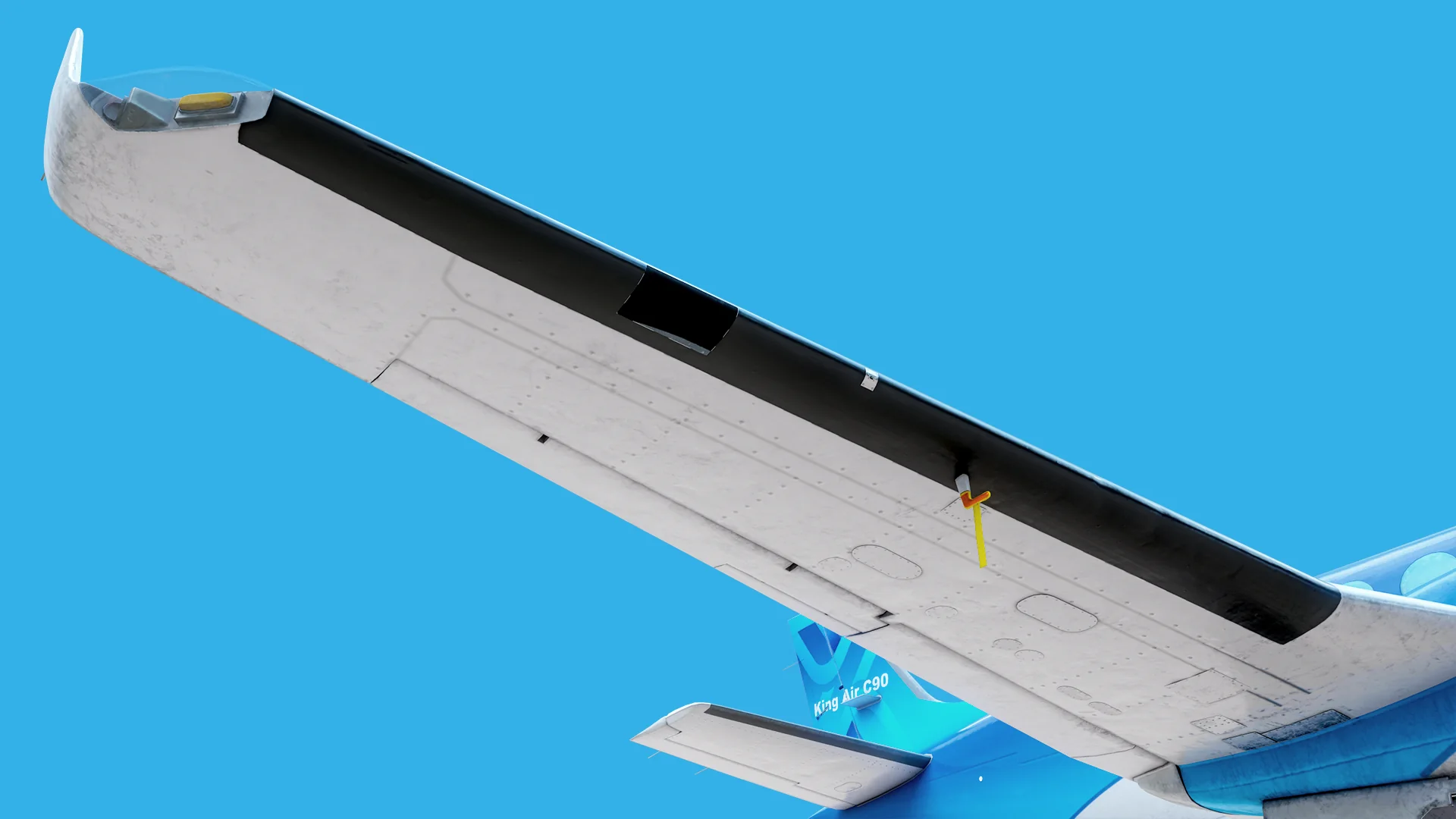
Underside of the right wing showing the black de-icing boot along the leading edge, the stall warning vane and the wingtip light.
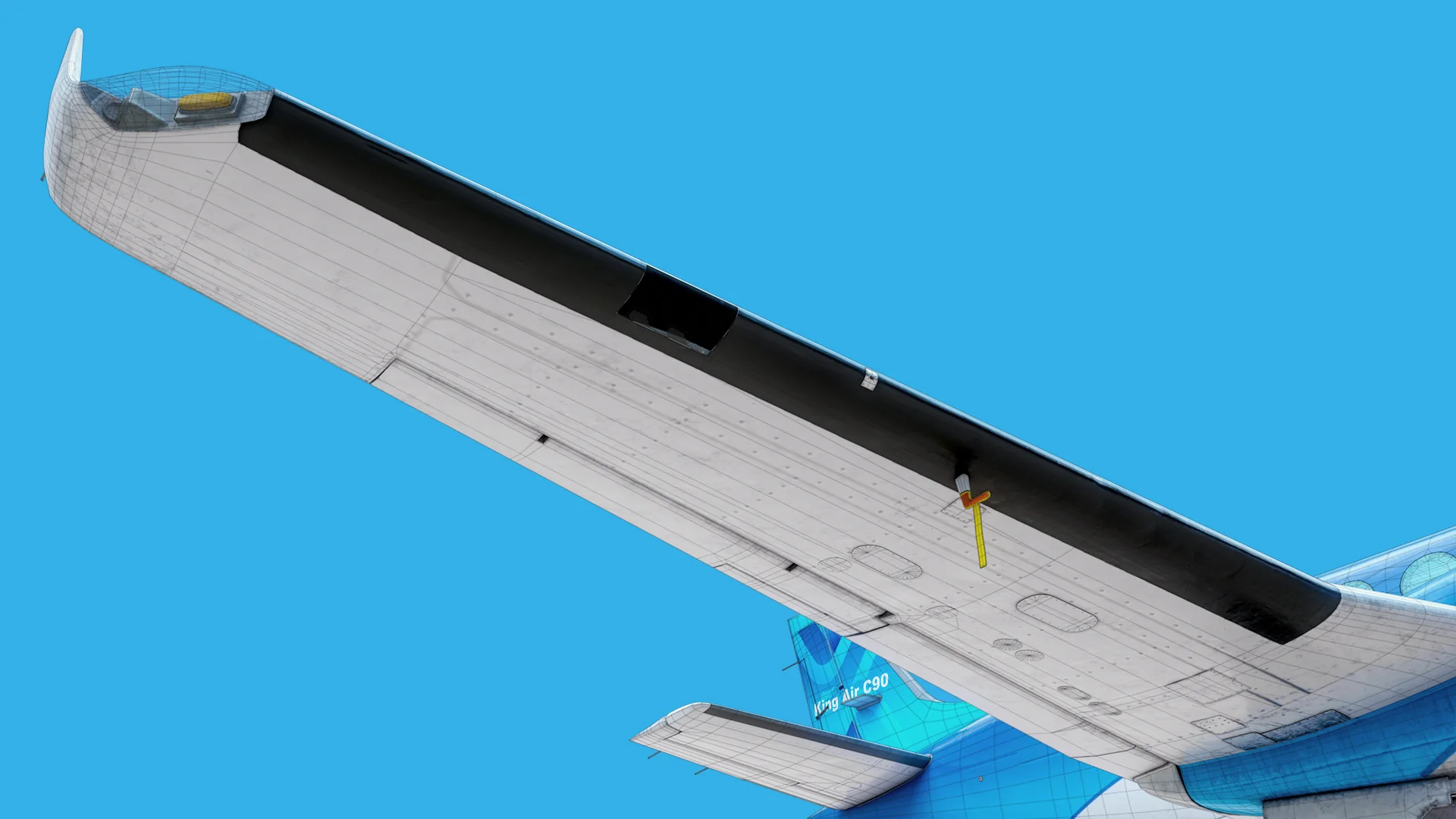
The wing carries most of the small systems: de-icing boots along the leading edge, the stall warning vane, the pitot tube and the oil cooler intake. These are the parts that make an aircraft read as a real aircraft rather than a shape, and they are exactly what a familiarisation course points at — so they were modelled to the drawing rather than eyeballed.
The right wing with the wireframe overlaid.
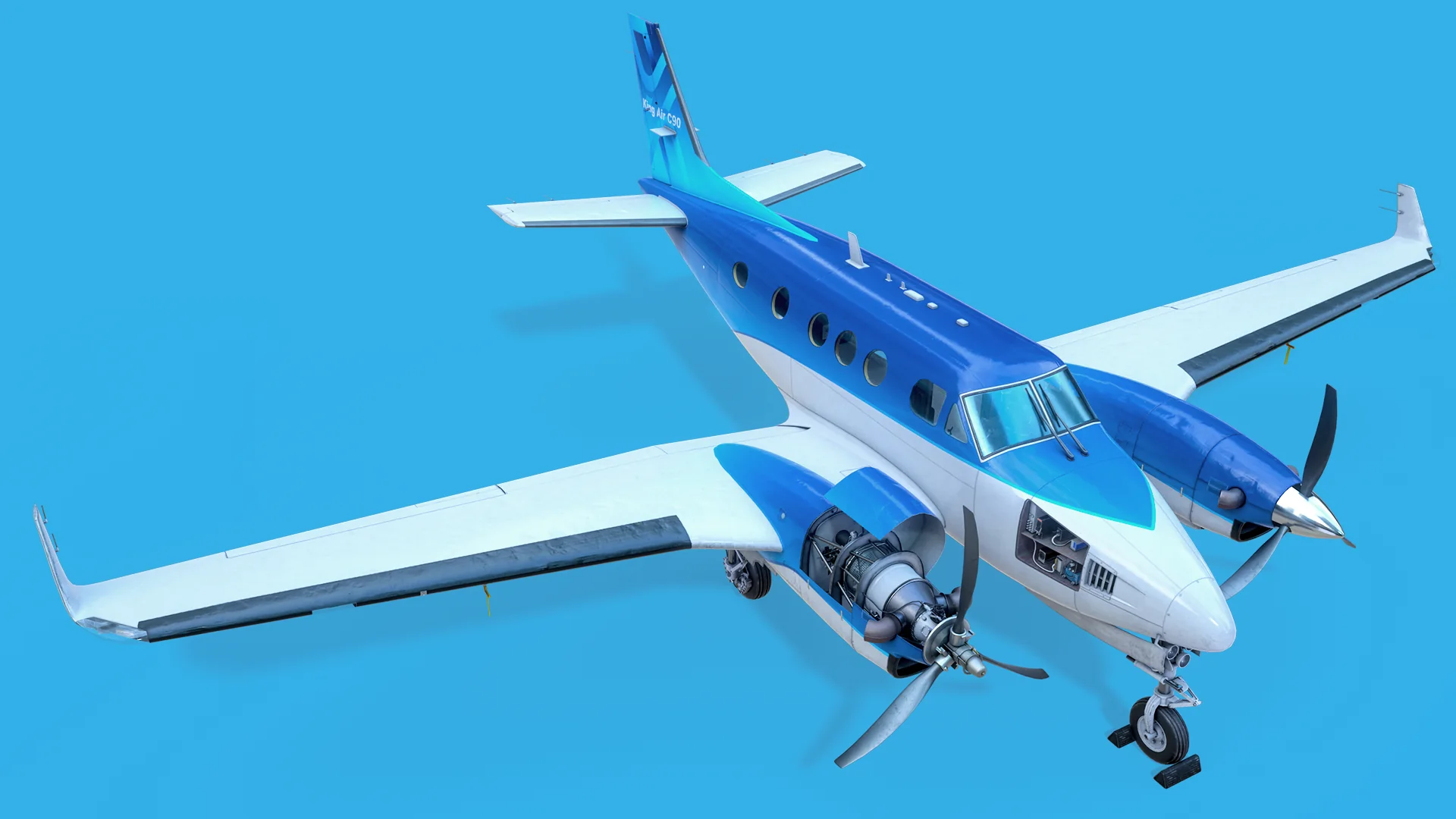
Full King Air C90 seen from a high three-quarter angle, left engine cowling open to reveal the PT6.
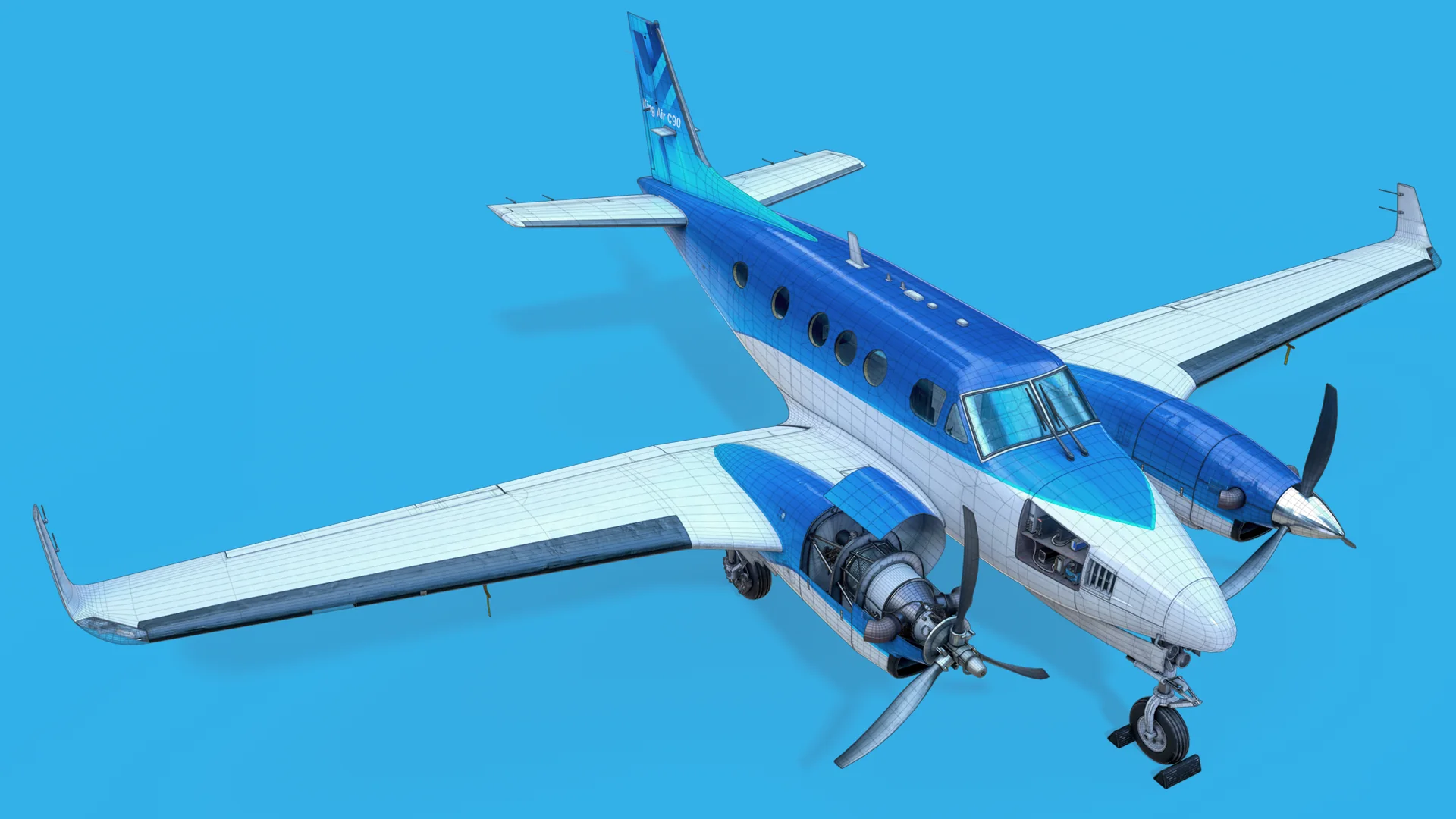
Nothing is a single welded mesh: every system a trainee can be asked to identify — cowlings, control surfaces, antennas, pitot tubes, de-icing boots — exists as its own object so the Unity build can isolate, highlight or hide it. The wireframe below shows where the density went: geometry on the curves that hold a silhouette at arm’s length in a headset, and very little on the flat panels.
The same three-quarter view with the wireframe overlaid, showing edge distribution across fuselage and wings.
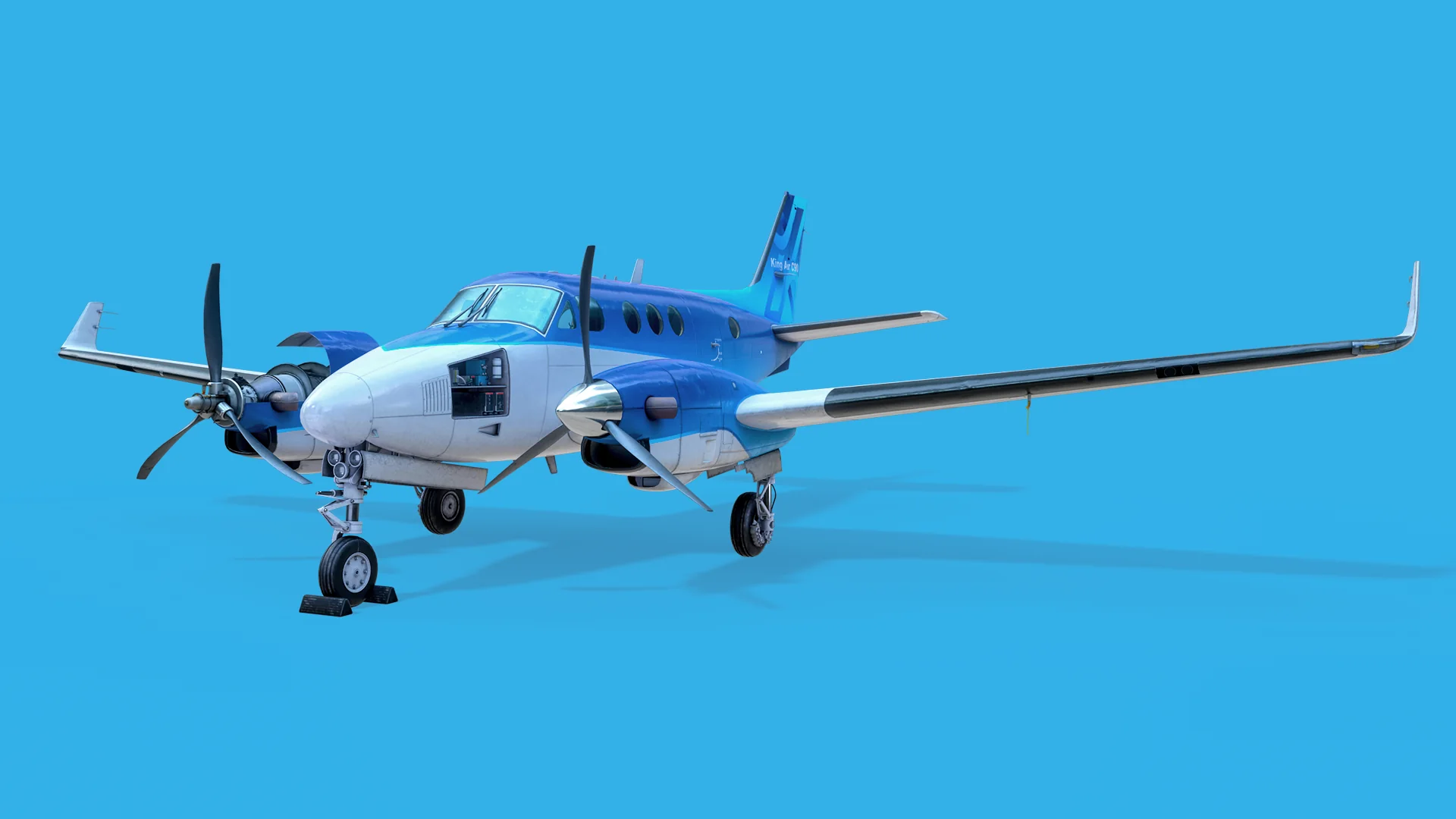
King Air C90 on the ground, front three-quarter view with chocks at the nose wheel.
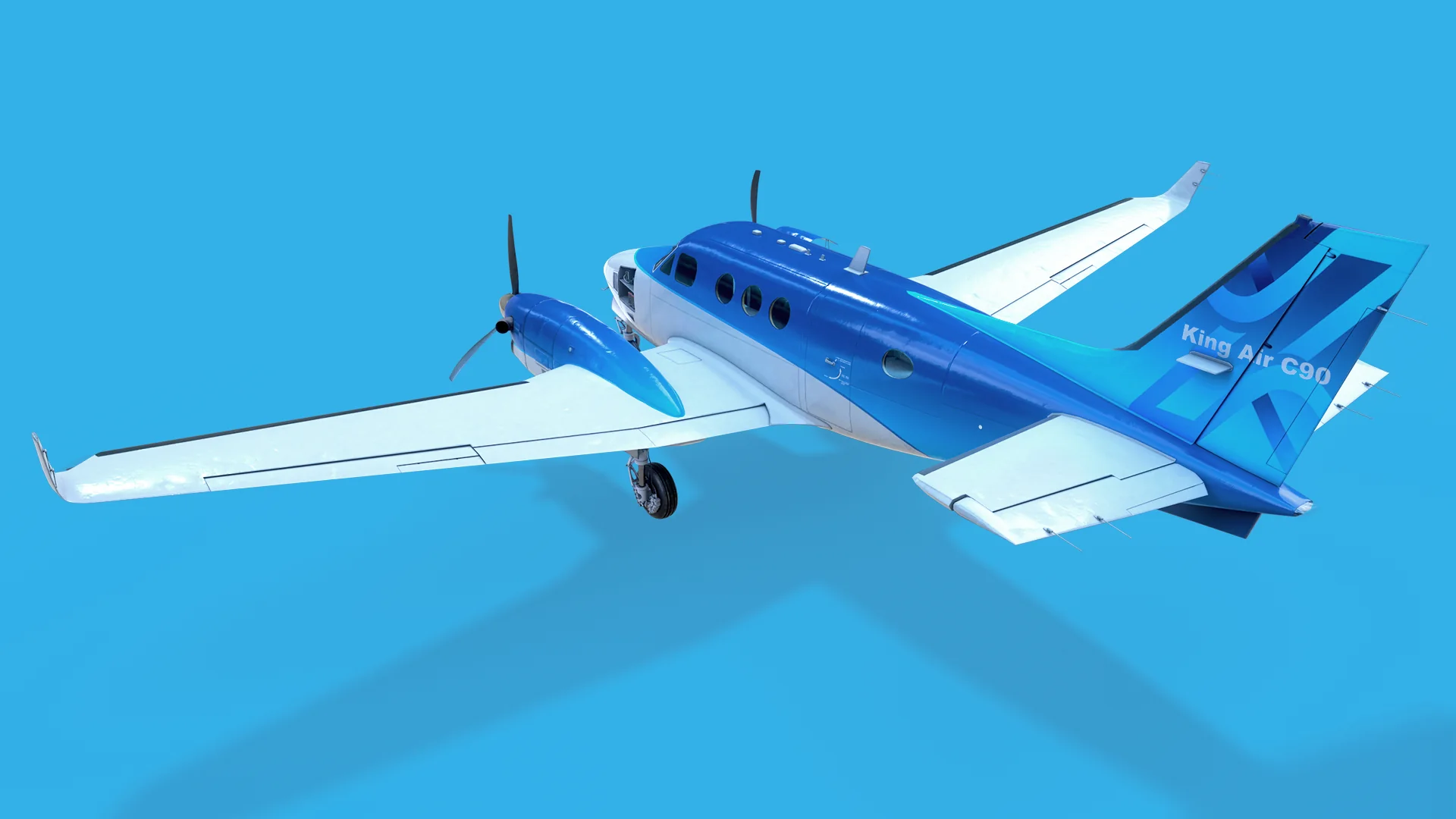
King Air C90 from a high rear three-quarter angle, showing the tail with the King Air C90 livery.
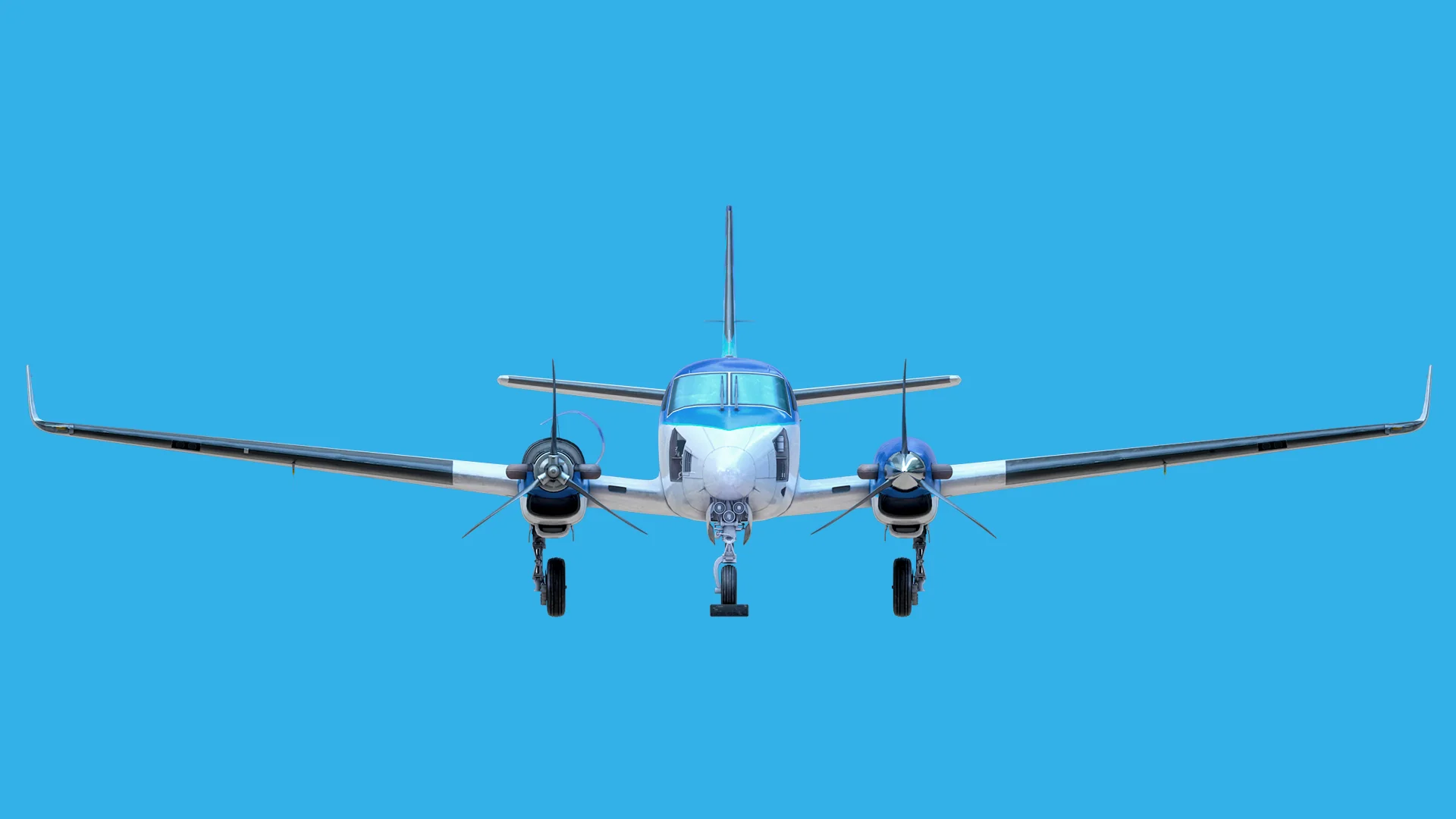
Orthographic front elevation of the King Air C90, showing wing dihedral and both propellers.
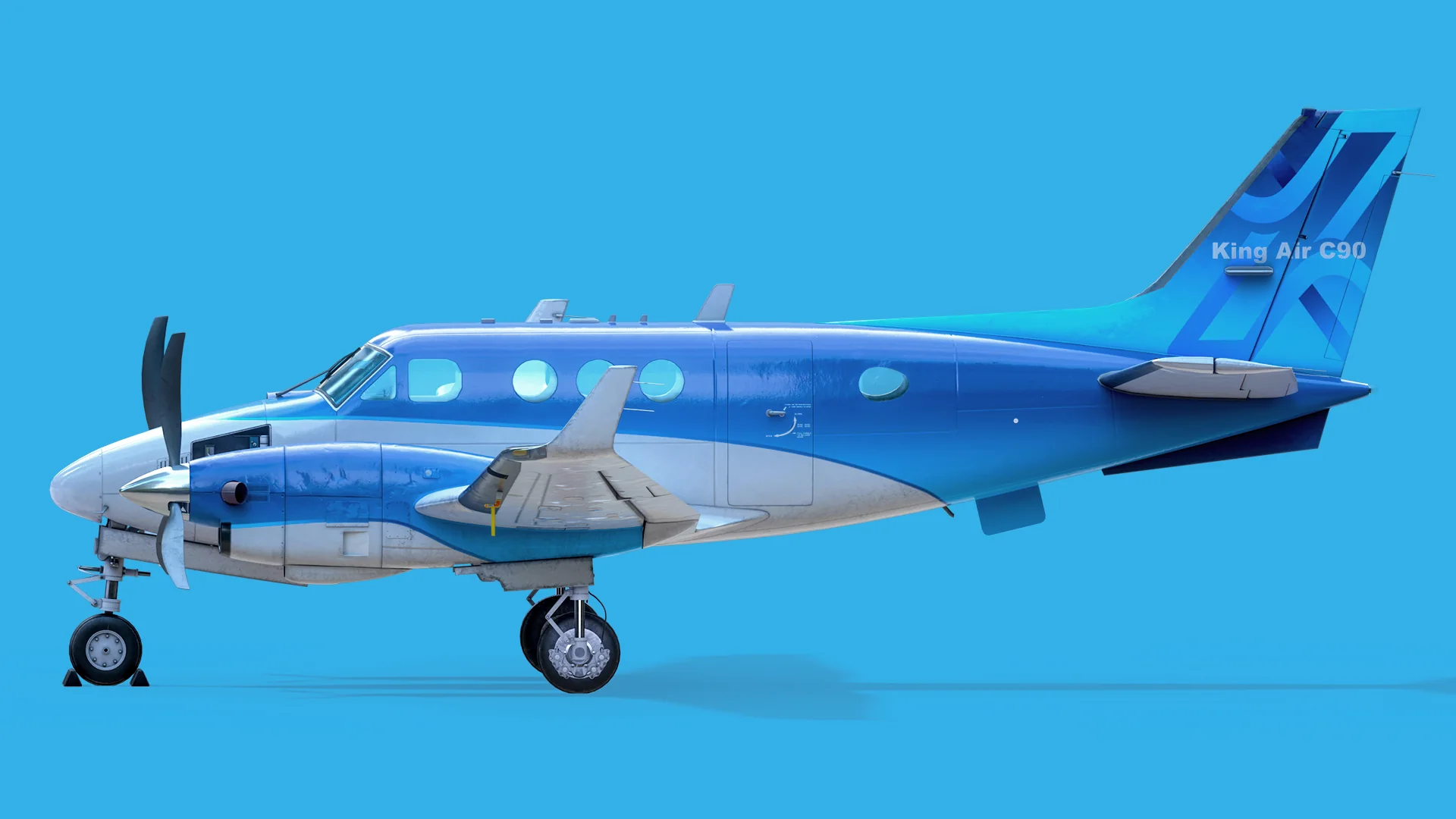
Orthographic left side profile of the King Air C90 with the full livery.
Final beauty pass, rendered in Marmoset Toolbag against a flat backdrop so the form and the panel work carry the image on their own. The livery was painted in Substance Painter as part of the base colour set.

More by Alexis Ramos

All work →